Photo Manipulation:
This project used a picture taken of me in New York. I then transformed the image using layers and many blending modes and manipulation techniques to create this video game and movie poster project.
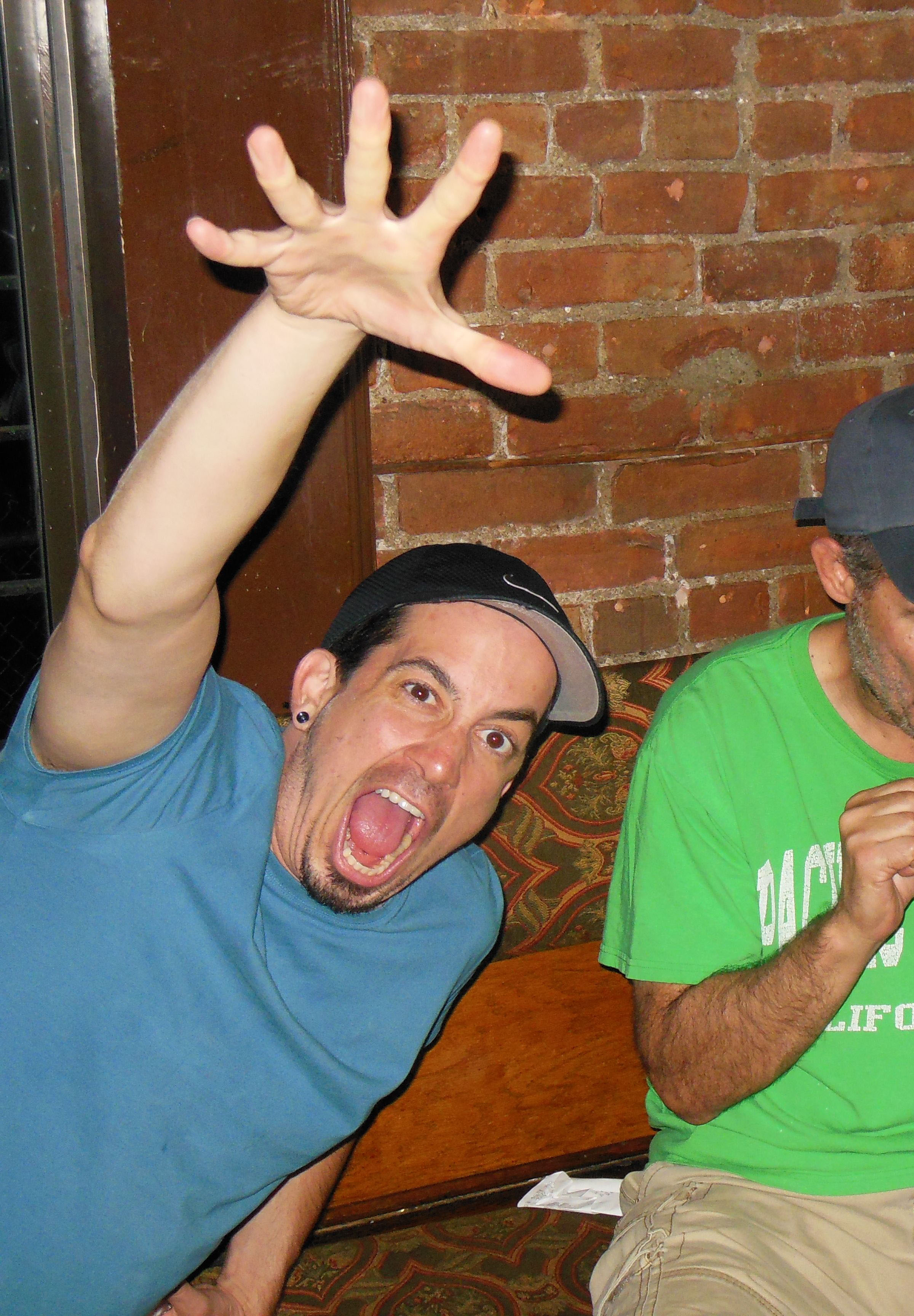
Photo Correction:
I used an old family photo of my grandfather in this war plane. I used smudge tools to wipe out blemishes and discoloration. I then cleaned up the cracks, creases, and rips by borrowing color, shading, and texture from the surrounding parts of the image. I then added a soft black border to the edges to give it a finished look.
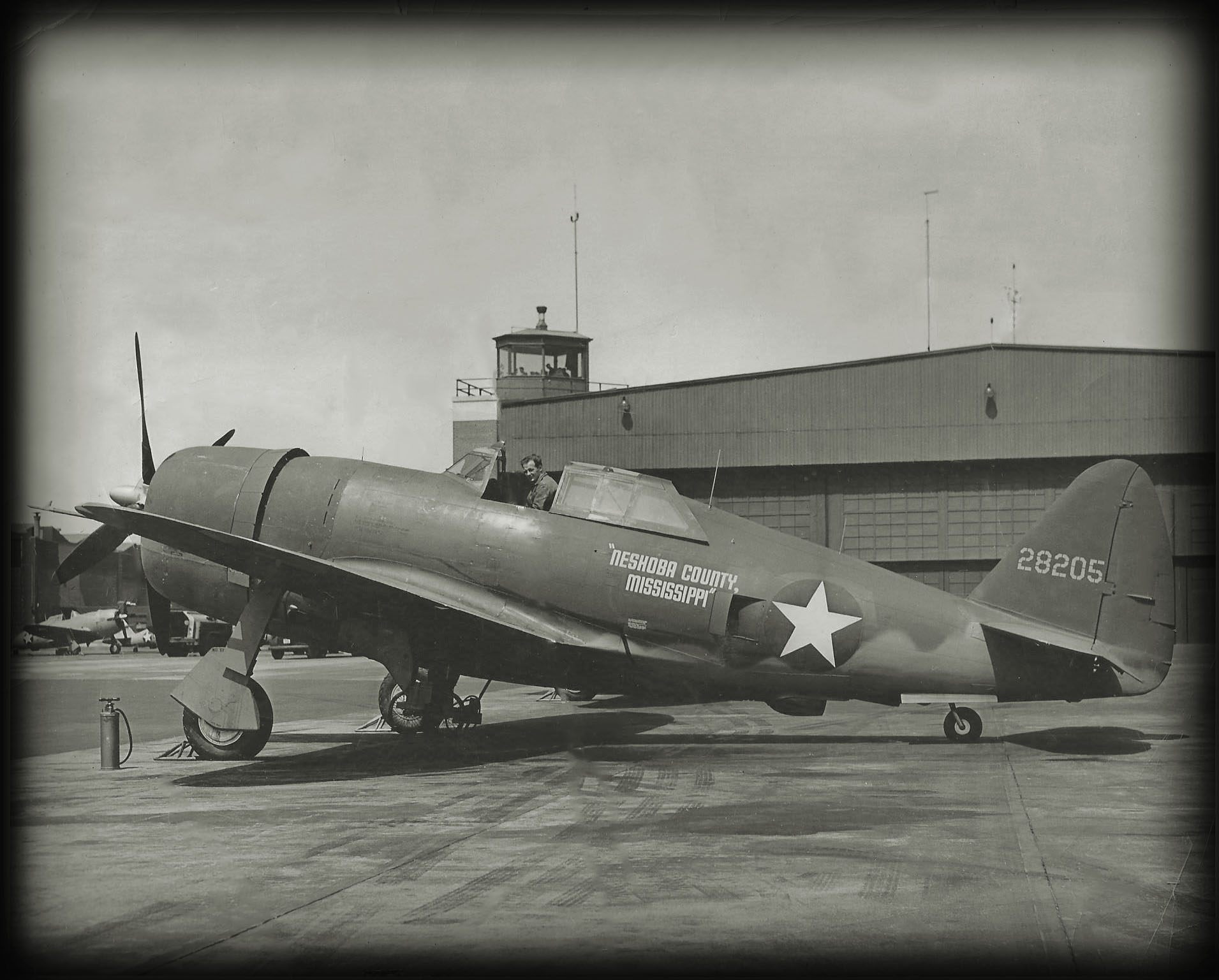
Photo Manipulation 2:
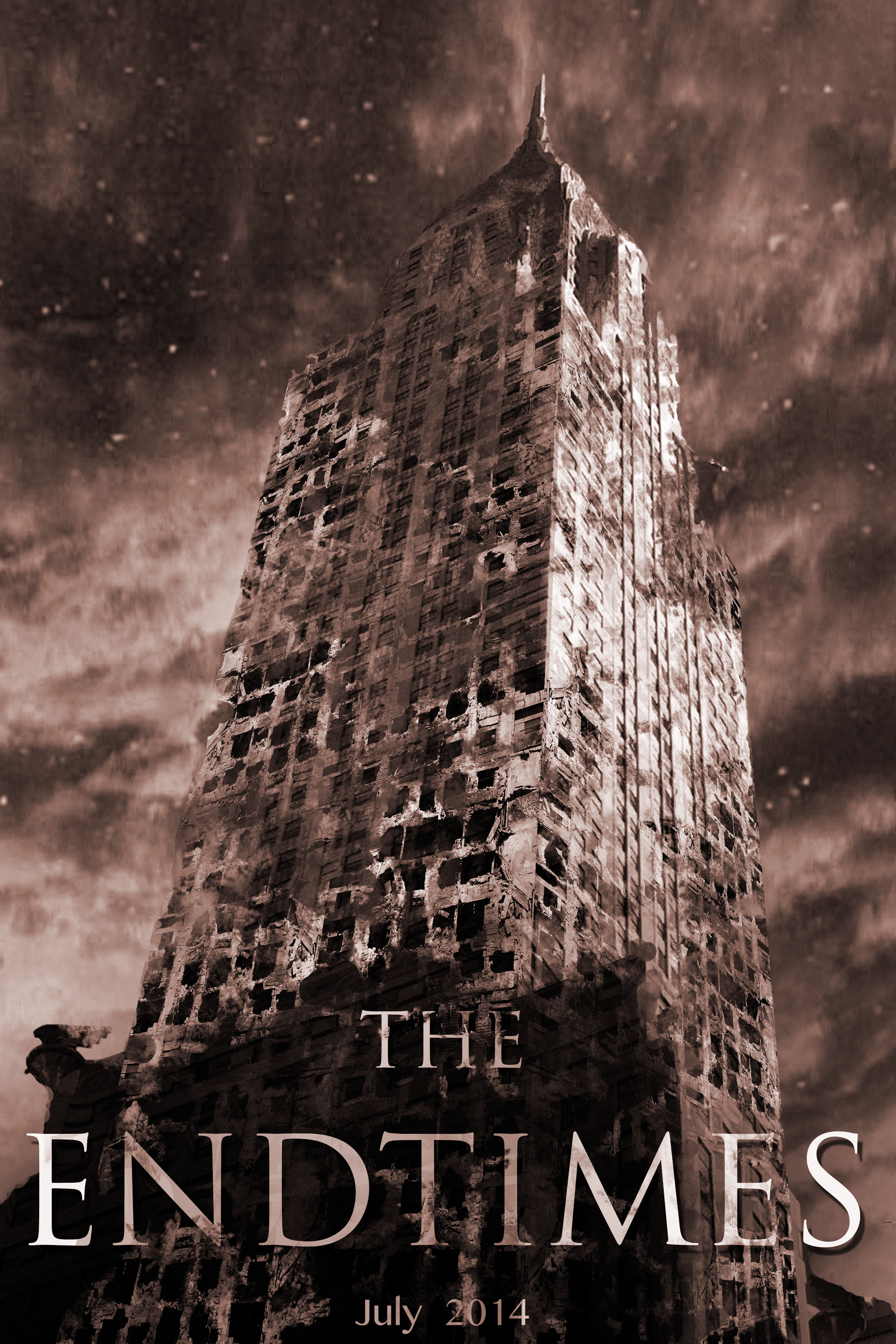
I took this photo in New York City and imported it into Photoshop and created multiple layers and effects to give it a ‘destructed’ effect. I erased the surrounding building to have the center building be the focal point. Text and similar color techniques finish up this project.
Composition Project:
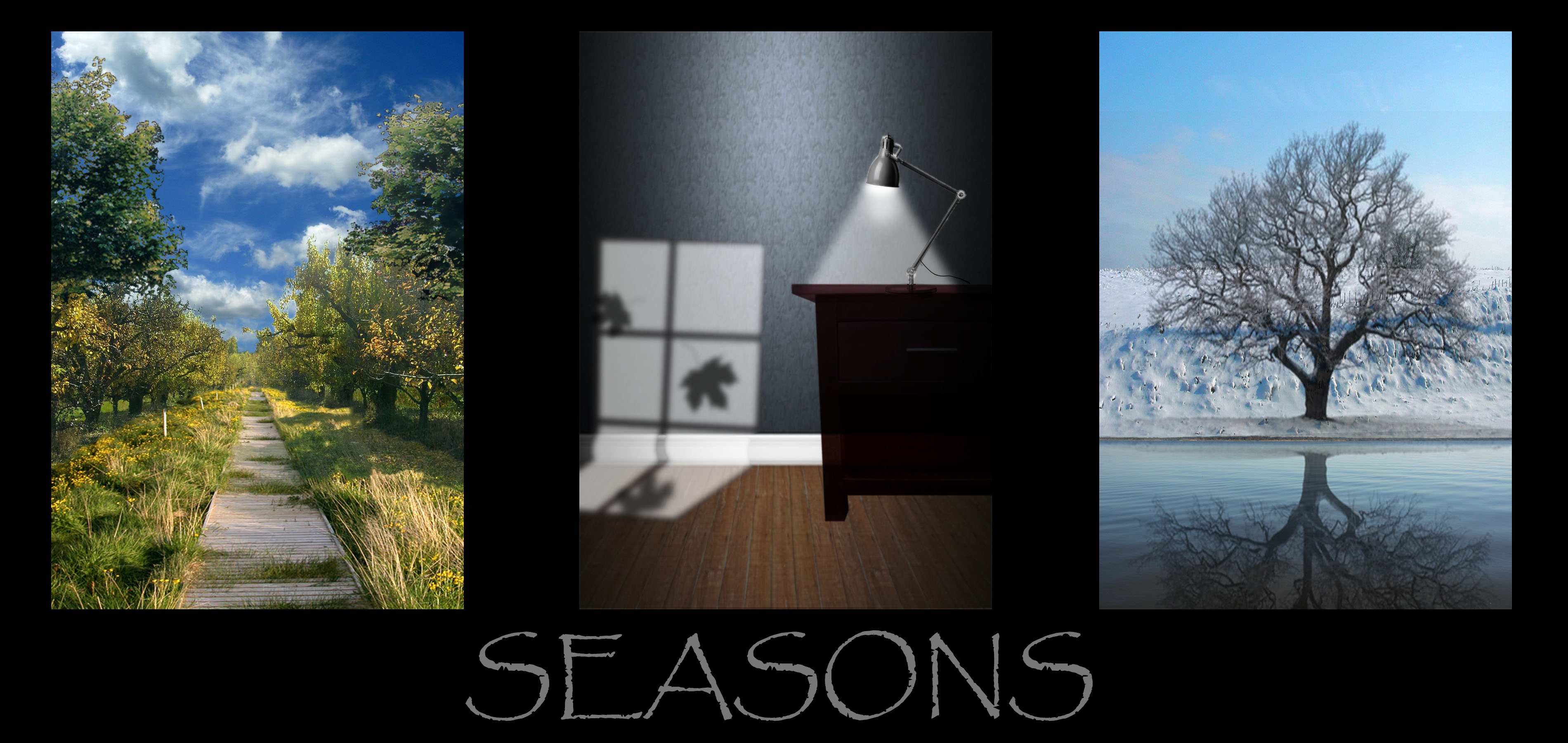
This was done in four stages. I first created the ‘Summer’ panel using a total of six outdoor images, adding color correction and shadows where necessary. The middle, or ‘Fall’ panel was created using lighting techniques and several images. The outline of the window and the shadows of the leaves were created in Illustrator and imported into this panel. The ‘Winter’ panel was also created using several images of outdoor winter scenes. I also took the tree image, flipped it, and added blending modes to give it a reflective feel. I then took each panel into Photshop and compiled them into one seamless presentation.
 Niff Design Studios